I have gone through numerous preparedness digital library systems over the years. My shelves are overflowing with books but with the availability of the Internet and digital ebooks, guides, manuals and various pdf’s, the creation of a truly massive digital preparedness library is very possible. To create a digital survival & preparedness library I’ve used laptops, CD’s, DVD’s, USB flash drives, and external hard drives in an attempt to organize the information. After a lot of trial and error, I’ve come up with my current system. It is user-friendly, portable, inexpensive, and extremely versatile.
Enter: The Amazon Fire Tablet.
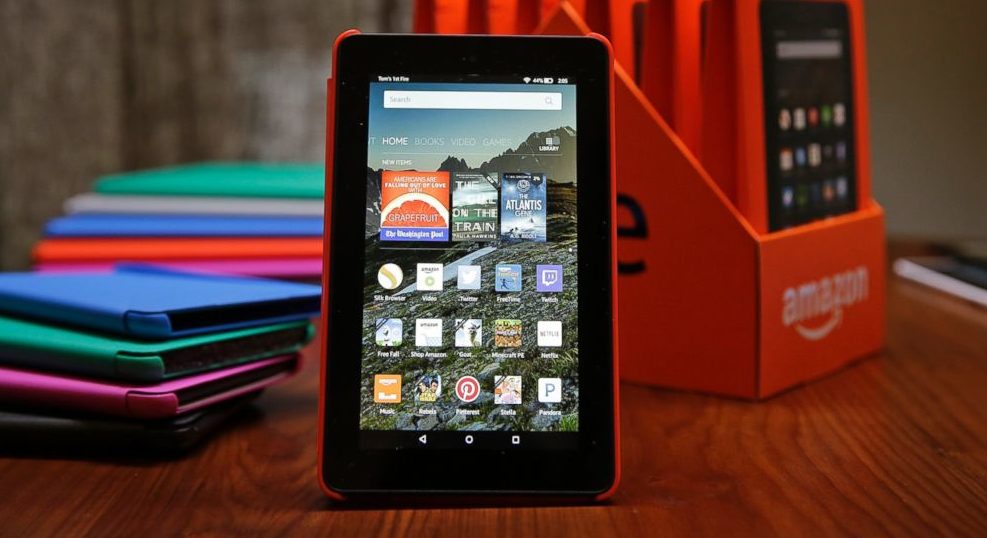
In a world where iPad’s and other brand name tablets cost hundreds of dollars – the Amazon Fire 7″ multimedia tablet came in at only $39.99(regular price $49.99). For $39.99 the Fire provides excellent power, storage capacity – and multimedia capabilities. It represents a significant tool for prepper’s to build and organize a digital preparedness library. Capable of excepting microSD cards an almost endless supply of PDF’s, videos, documents, audio files, and pictures can be stored.
So – how to put it all together?
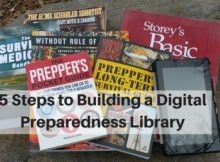
5 Steps to Building a Digital Preparedness Library
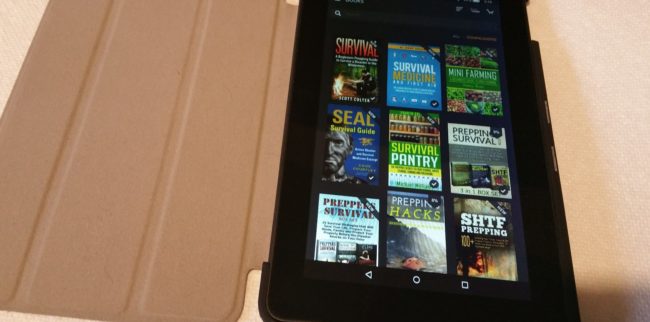
Step #1: Buy an Amazon Fire tablet(LINK)
Step #2: Install ES File Explorer App
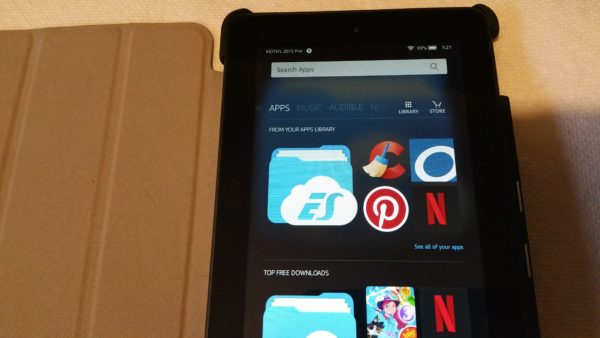
Within the Appstore perform a search for “ES File Explorer” and download it.
There are other File Manager apps that can be used to access the contents of the Fire as well as inserted MicroSD cards. I am familiar and use only ES File Explorer.
Step #3: MicroSD Card – Create Folders/Organize Preparedness Information
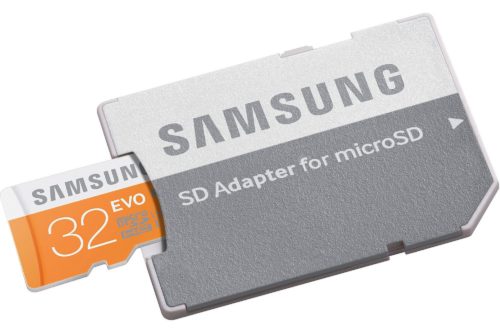
At this point purchased ebooks from Amazon will be automatically downloaded to the Fire tablet. Additional guides, manuals, documents, videos, audio files, etc. need to be added to a MicroSD card via a computer.
I have found the best method for this is to:
- Download desired files to laptop/computer.
- Insert the MicroSD card into the computer.
- Create folders on the MicroSD card which to organize the files. Examples would include Gardening, Firearms, Communication, First Aid, General Survival, Hunting, Fishing, Homesteading, etc.
- Transfer files into their corresponding folders.
Where to get all the files? The Survival & Preparedness Download page on this website is a good place to start.
Of note – if you ae interested in books by Paladin Press, they are available for purchase over at PaladinPressBooks.com.
Step #4: Insert MicroSD Card
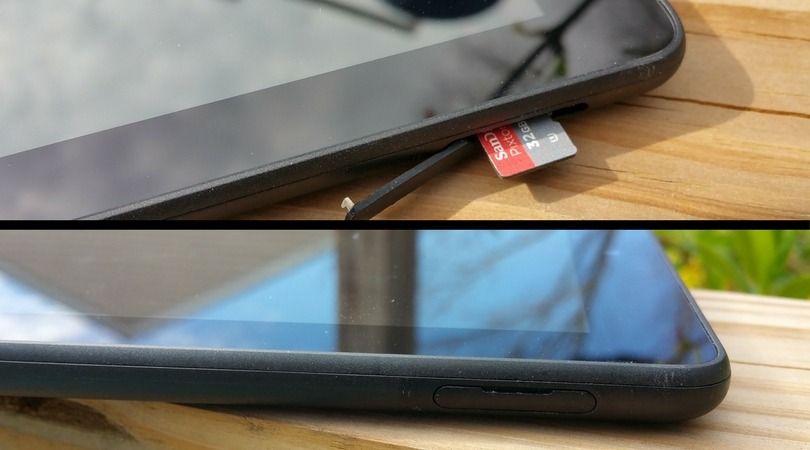
If the MicroSD card is inserted with the Fire on it may or may not recognize the card. If it does not restart the Fire tablet and it will search and locate the card and the information on it.
The Fire tablet can accept MicroSD cards up to 512gb’s of capacity. This is a truly massive amount of information. If the files to be stored are mostly PDF’s a 32gb card would likely be all that is needed. Video takes up an enormous amount of space thus 128gb or more would be advised. Another option is to have multiple cards which is fine. I prefer one card(with a duplicate backup) with all the information in one place.
Step #5: Open the ES File Explorer and Enjoy!!
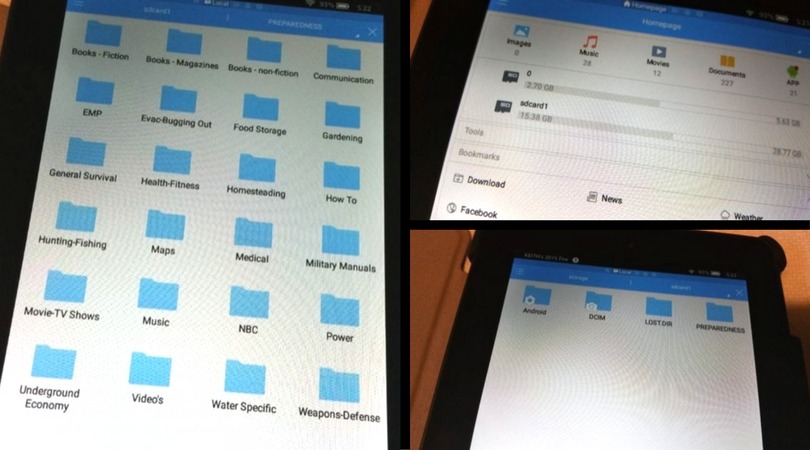
Tap on the ES File Explorer App icon and a menu will open. The internal Amazon Fire memory will be represented but what we are interested in is the MicroSD card. Click on the card and another screen will appear. As can be seen in the image above I created a folder titled “PREPAREDNESS” on mine. Whether you did something similar or not you can now access your card and all contents.
Summary: The Kindle Fire Tablet Digital Preparedness Library
What is so awesome about this digital library is I can sit down with this one device and access literally thousands of ebooks, manuals, guides, PDF’s – even movies and songs. I can read a military manual on navigation and then check the best planting time for cucumbers in my growing zone – and then put in some earphones and watch The Equalizer.
All of this for the cost of the Amazon Fire tablet and a MicroSD card. All of the content – including many ebooks – can be found for free or purchased at reasonable prices.
The Amazon Fire tablet can be easily charged from most portable solar systems and almost any portable power bank that will charge a cell phone. There are also numerous durable cases available for damage protection.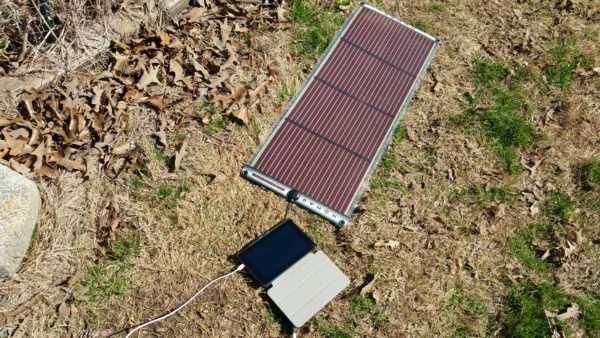
While there are other tablets that can be used I found the versatility and cost of the Amazon Fire tablet to be best. There are also different sizes of the Fire tablet, however, the 7″ model is the least expensive. I have recently picked up the 10″ model and absolutely love it.
Having such a massive amount of information all on the Amazon Fire multimedia tablet is an invaluable resource.